
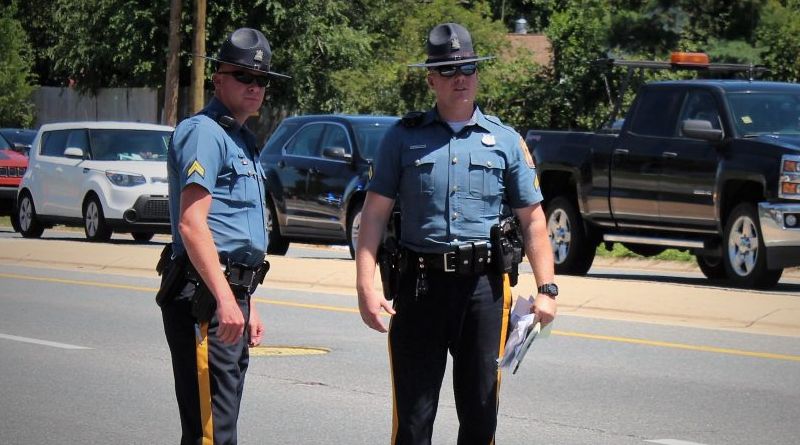
Delaware State Police have identified the victim who died during a fatal hit-and-run pedestrian collision that occurred on September 4, 2022, in the Claymont area as Ronald Kennedy, Sr., 68, of Coatesville, Pennsylvania.
Original Story
Delaware State Police are investigating a fatal hit-and-run motor vehicle collision that occurred in the Claymont area on Sunday morning, according to Senior Corporal Leonard DeMalto.
DeMalto said on September 4, 2022, at approximately 5:27 a.m., an unknown type of vehicle was traveling southbound on Interstate 495 approximately three miles north of the Governor Printz Boulevard offramp. At this time, a male subject was lying in the left southbound lane of I-495 for unknown reasons. As a result, the vehicle struck the pedestrian in the roadway. The unknown vehicle continued southbound without stopping said DeMalto.
The pedestrian involved in this incident, a 68-year-old male Coatesville, Pennsylvania, was pronounced deceased at the scene. Identification of the victim is pending notification to the next of kin. At this time, there is no make, model, or operator description available for the vehicle that struck the pedestrian and fled the scene.
The roadway was not illuminated at the time of this incident, and the victim was wearing dark-colored clothing and did not appear to be carrying a lighted device. The roadway was closed for approximately three hours while the collision was being investigated and cleared.
The Delaware State Police Troop 2 Collision Reconstruction Unit continues to investigate this incident. Troopers are asking anyone who witnessed this collision to please contact Master Corporal J. Forester by calling 302-365-8485.